Camera
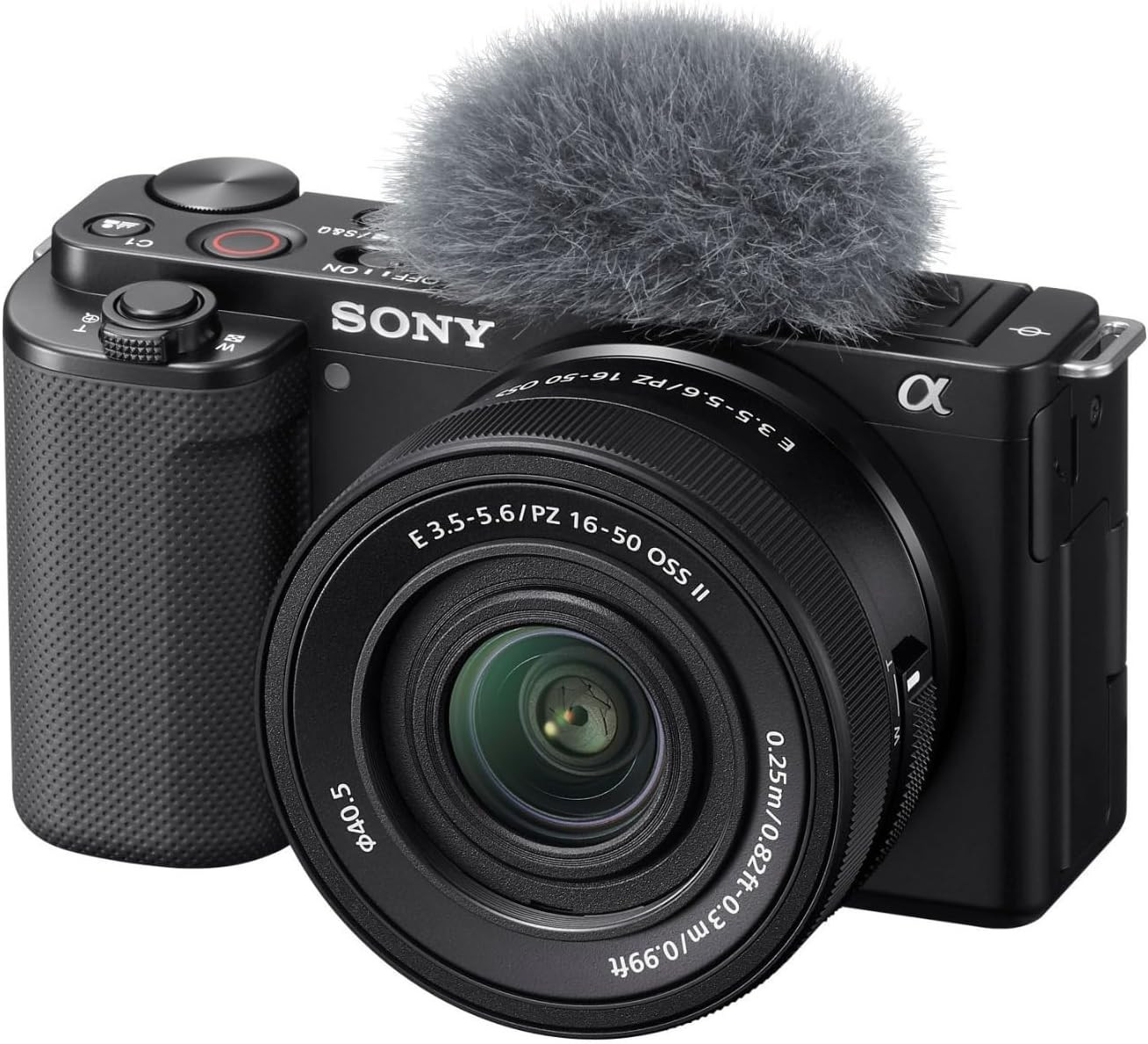
Sony ZV-E10
View on AmazonHow to set it up
- Put the camera on a tripod and stand it at eye level so the lens is pointing at your face.
- Pop the screen out from the side and turn it around so it faces you, that way you can see yourself while recording.
- Twist the top dial to the icon that looks like a movie camera. This puts it in video mode.
- Slide the power switch on top to ON. Tap your face on the screen once so the camera locks focus on you.
- Make sure the battery is in (slot under the camera) or plug the USB-C cable into the side if you want it to run forever.
- Press the big red button on top. A red border will appear on the screen, which means it's recording. Press it again to stop.